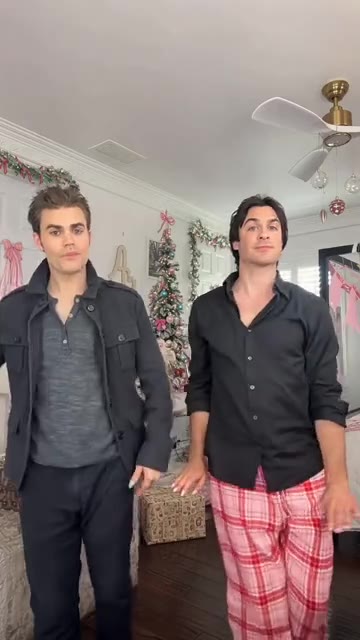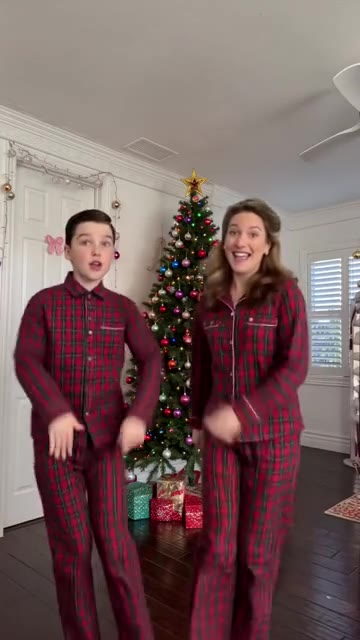
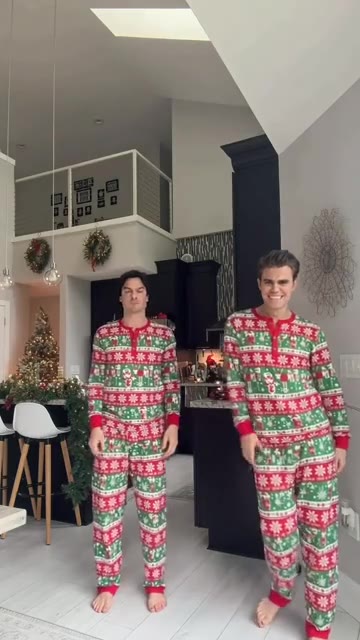
Your two faces in a Christmas dance.

Pick a dance and add one photo for each dancer. Your video keeps the original moves and music.

  1. 1Choose a dance
  2. 2Add two photos
  3. 3Unwrap your video

Christmas Dance AI

Also called Deck the Halls · Tis the Season

Use this dance →

Choose a dance

How it works

  1. 01

    Pick a dance

    Deck the Halls, Winter Wonderland or Mariah Carey AI. Each template has fixed moves, framing and music.

  2. 02

    Add two photos

    One photo per dancer, left and right, as marked on the reference clip. Clear faces and half- or full-body shots work best.

  3. 03

    Create and download

    Spend credits to render. Follow progress in My videos and download the MP4 with the template music.

Photos that work

A clear photo helps the video keep each person's face, hair and outfit.

Works well

  • One person per photo, face clearly visible
  • Good light and in focus
  • Standing, half or full body
  • JPEG, PNG or WebP up to 10 MB

Not accepted

  • Anyone under 18
  • Celebrities or other public figures
  • People who haven't agreed to this video
  • Group photos, or photos you don't have the right to use

Pricing

One-time video packs. No subscription. A 480p video uses 10 credits, a 720p video uses 20.

1 video

$4.90

480p · one-time

  • 10 credits
  • Enough for 1 × 480p with music
  • One-time payment, no subscription
  • Failed renders refunded in credits

3 videos

$12.90

$4.30 per video · 480p

  • 30 credits
  • Enough for 3 × 480p with music
  • One-time payment, no subscription
  • Failed renders refunded in credits

5 videos

$19.90

$3.98 per video · 480p

  • 50 credits
  • Enough for 5 × 480p with music
  • One-time payment, no subscription
  • Failed renders refunded in credits

Questions

What to know before you create.

Pick a dance, add two photos.

Your Christmas dance renders in the browser. No app, no editing.